Free Claude Code
Use Claude Code CLI & VSCode — for free. No Anthropic API key required.
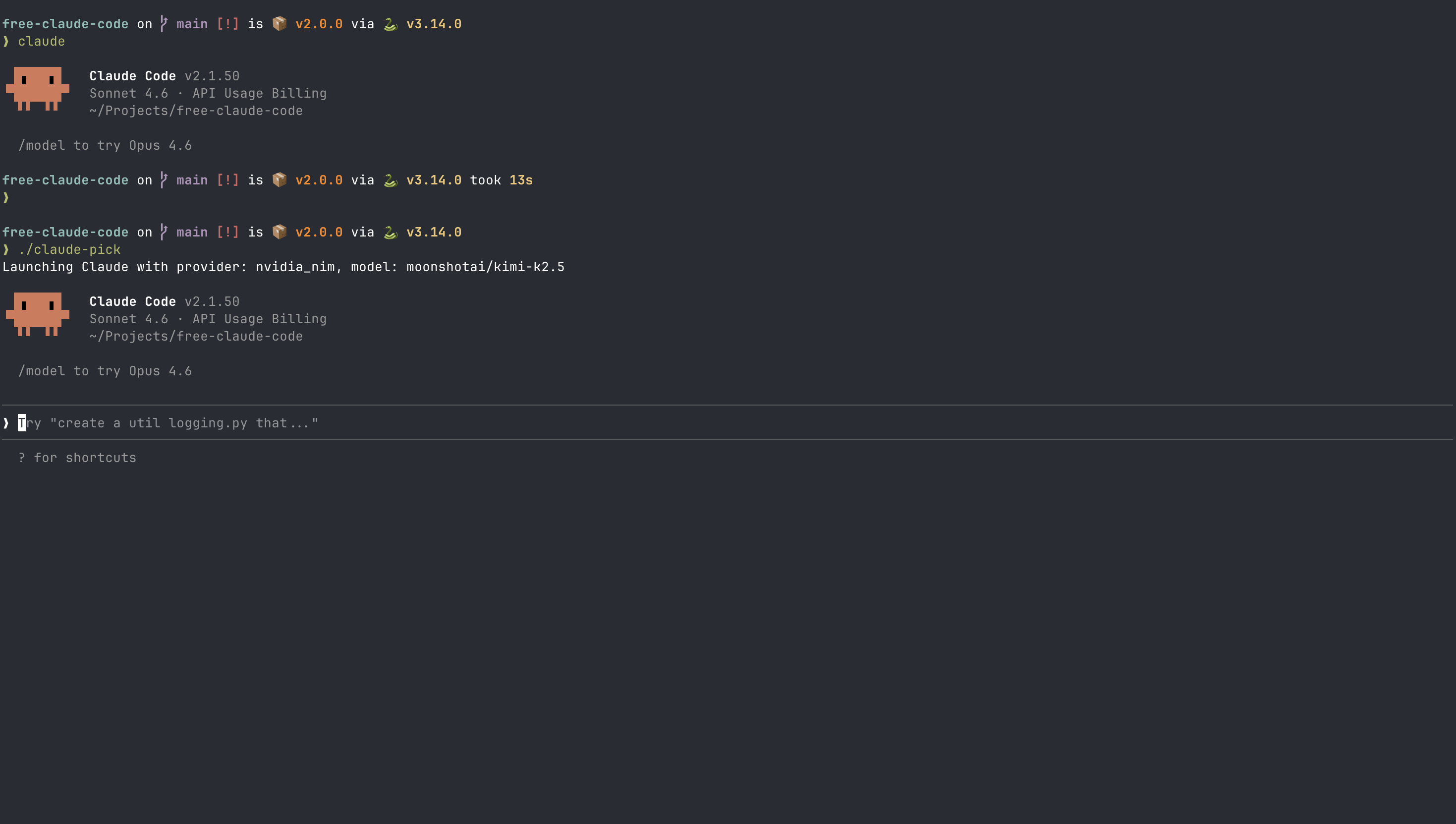
🚀 Free Claude Code – Complete Setup Guide
Learn how to use Claude Code without paying for an Anthropic API key by setting up a proxy server. This guide walks you through installation, configuration, and usage.
1️⃣ What Problem Does It Solve?
Claude Code normally requires an Anthropic API key. This project acts as a proxy server that routes requests to alternative providers like NVIDIA NIM, OpenRouter, or local models via LM Studio.
2️⃣ Project Overview
- Works with Claude Code CLI
- Supports VSCode extension
- Supports NVIDIA NIM (free tier)
- Supports OpenRouter (multiple models)
- Supports LM Studio (local offline models)
3️⃣ Clone the Repository
git clone https://github.com/Alishahryar1/free-claude-code.git
cd free-claude-code
cp .env.example .env
4️⃣ Configure Environment Variables
Using NVIDIA NIM
NVIDIA_NIM_API_KEY=nvapi-your-key
MODEL=nvidia_nim/your-model-name
Using OpenRouter
OPENROUTER_API_KEY=sk-your-key
MODEL=open_router/your-model-name:free
Using LM Studio (Local)
MODEL=lmstudio/your-local-model🔄 Changing the Model Easily
Instead of manually editing the .env file every time,
you can use the built-in model picker script.
./claude-pickThis interactive command allows you to:
- Select provider (NVIDIA NIM, OpenRouter, LM Studio)
- Choose from available models
- Automatically update the
.envconfiguration
After selecting a model, restart your proxy server for changes to apply.
🟢 Creating NVIDIA Account & Getting API Key
To use NVIDIA NIM models, you need an NVIDIA API key. You can register using your organization email or university (.edu) email.
Step 1: Create Account
Go to: https://build.nvidia.com/ and click Sign Up.
Step 2: Verify Email
Confirm your email address from the verification link.
Step 3: Generate API Key
- Login to your dashboard
- Go to API Keys section
- Click Create API Key
- Copy the key starting with nvapi-
Step 4: Add to .env File
NVIDIA_NIM_API_KEY=nvapi-your-generated-key
MODEL=nvidia_nim/your-selected-model
5️⃣ Run the Proxy Server
uv run uvicorn server:app --host 0.0.0.0 --port 80826️⃣ VSCode Setup
Open VSCode settings JSON and add:
{
  "claude-code.environmentVariables": [
    { "name": "ANTHROPIC_BASE_URL", "value": "http://localhost:8082" },
    { "name": "ANTHROPIC_AUTH_TOKEN", "value": "freecc" }
  ]
}
7️⃣ How It Works Internally
Claude Code CLI / VSCode
        ↓
Free Claude Code Proxy
        ↓
Provider (NIM / OpenRouter / LM Studio)
8️⃣ Benefits
- No Anthropic API key required
- Free API tiers supported
- Local offline models supported
- Works with CLI & VSCode
9️⃣ Limitations
- Performance depends on chosen model
- Community-maintained (not official)
- Setup required for local models
🏁 Conclusion
Free Claude Code is a powerful solution for developers who want to experiment with AI coding assistants without API costs. With support for multiple providers and local models, it opens up flexible workflows for modern development.